Together with their families
Template preview
Anika & Rohan
Saturday, 12 December 2026 · 6:30 PM
Ceremony venue, Hyderabad
Please join us as we begin our next chapter.
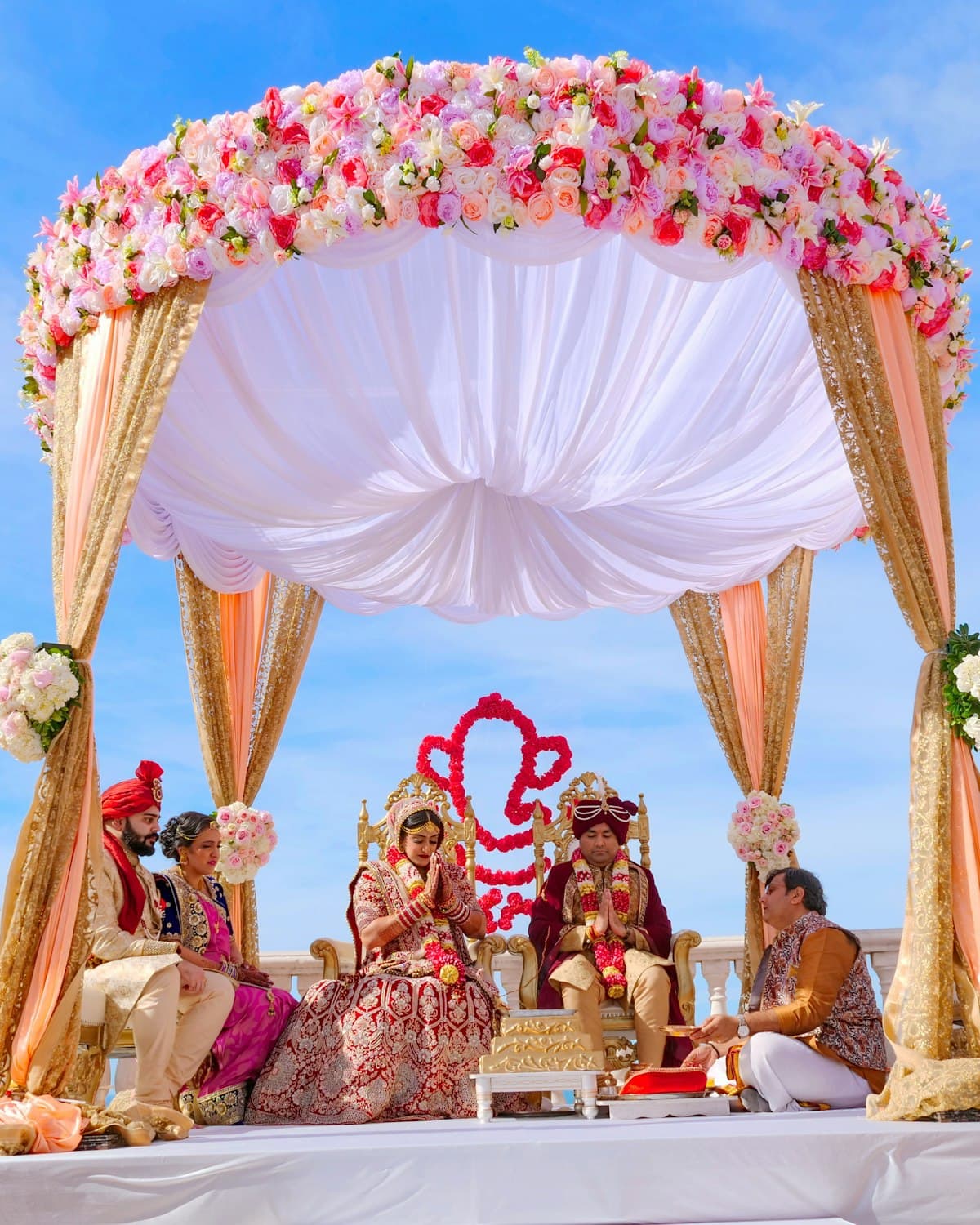
DIGITAL INVITATIONS
Choose a design, add the date and venue, then share a personal webpage straight to WhatsApp.
Together with their families
Template preview
Saturday, 12 December 2026 · 6:30 PM
Ceremony venue, Hyderabad
Please join us as we begin our next chapter.
A webpage keeps the date, time, venue, note and RSVP action together in one place. Edit the details, create a new link and send the updated invitation to the same chat.
Each template is a real responsive webpage. Open a preview or use it as the starting point for your own event.
Together with their families
Template preview
Saturday, 12 December 2026 · 6:30 PM
Ceremony venue, Hyderabad
Please join us as we begin our next chapter.
Wedding
Warm paper, marigold detail and a ceremony-first composition.
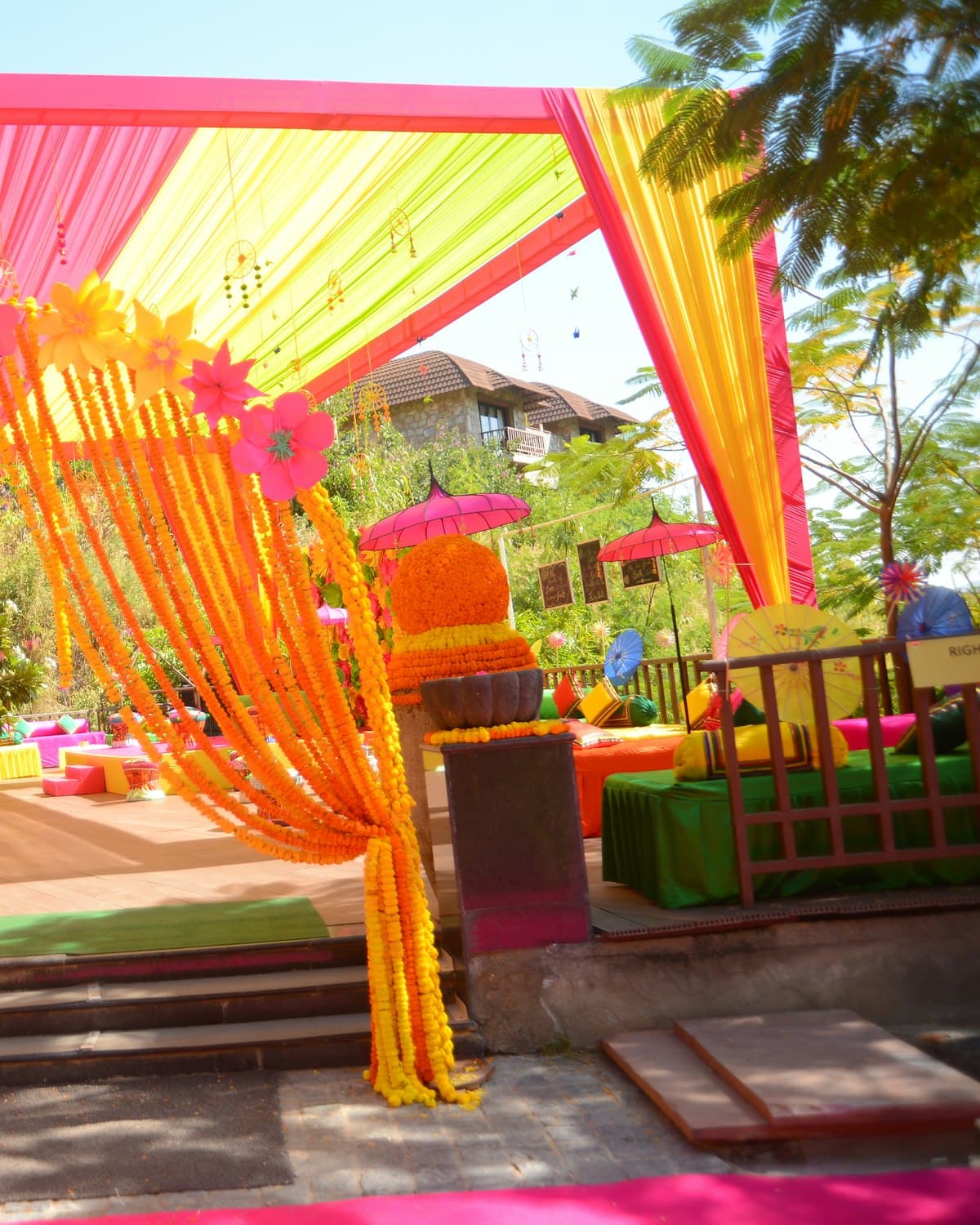
An evening of dinner and dancing
Template preview
Saturday, 19 December 2026 · 7:30 PM
Reception venue, Bengaluru
We would love to celebrate this evening with you.
Reception
An evening portrait with quiet type and a candlelit mood.
A little birthday gathering
Template preview
Sunday, 8 November 2026
4:00 PM
Garden venue, Vijayawada

Birthday
A bright split layout for an afternoon with family and friends.

We are getting engaged
Template preview
Saturday, 28 November 2026
6:00 PM
Celebration venue, Chennai
Engagement
A graphic ink composition with a restrained photographic frame.
Marigold vows
01
Pick the composition that fits the event. The content can change without changing the design.
Date · Time · Venue
02
Set the names, date, time, venue, location, message and optional RSVP number.
WhatsApp link
03
Create the link, open the invitation once, then share it to a person or a group.
No download is required. Build the page and share the finished link.
Create an invitation